
Gender Reveal Invitation Templates 🎀 Edit & Share
There are few party invitations that come with quite as much suspense as a gender reveal invite. Before anyone cuts the cake, pops a balloon, or opens that mysterious box, the invitation gets to ask the big question first: boy or girl? 💗💙
At Invitation-World.com, you can browse free invitation templates designed to make special celebrations easier to plan. Our templates can be downloaded, personalized with your own party details, printed at home or professionally, or turned into digital invitations to share with family and friends.
This page is dedicated to free gender reveal invitation templates that capture the fun, anticipation, and playful mystery of discovering whether a little boy or girl is on the way.
The designs use the classic gender reveal mood with soft pink and blue tones, playful baby-party styling, and plenty of space for your own wording. They are ideal starting points if you want something cute and festive without designing an invitation from scratch.

Free Gender Reveal Invitation Templates for a Very Big Surprise
Gender reveal invitation templates make it easy to invite your favorite people to one of pregnancy's most exciting celebrations. Simply choose a design you love, add your details, and decide whether you want to print it or send it digitally.
A gender reveal party isn't really about an elaborate invitation. It is about creating anticipation before everyone gathers to discover the surprise together.
That is exactly why pink-and-blue invitation designs work so well.
One side whispers girl. The other hints at boy. The answer stays hidden until the party.
The templates in this collection work especially well for parents who want a cheerful, recognizable gender reveal theme. You can keep the original pink-and-blue look or customize the design to match the colors, decorations, and overall style of your own celebration.
🎀 The easiest way to use these templates: download your favorite invitation, add the parents' names, date, time, location, and RSVP information in Canva or another simple editor, save the finished design, and send it straight from your phone. No designer required.

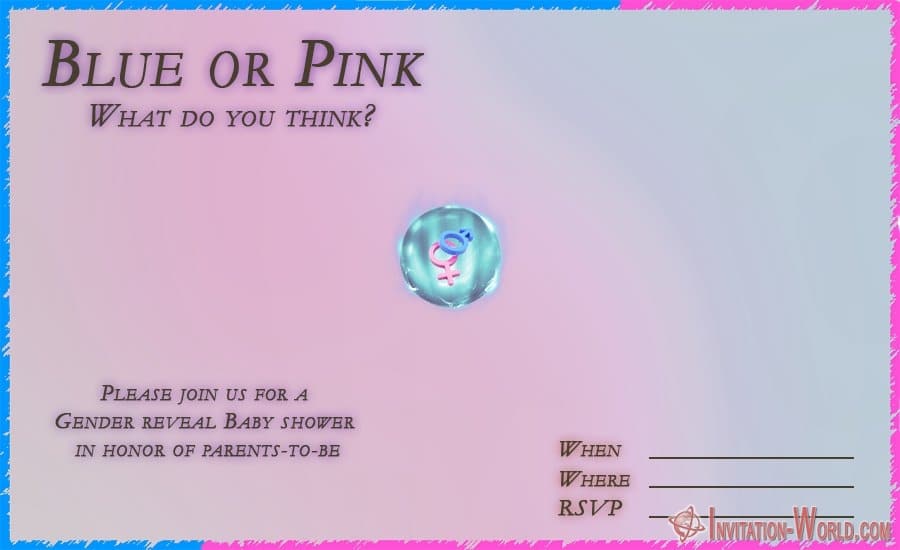
What You'll Find in These Gender Reveal Invitation Designs
The gender reveal invitation templates on this page focus on the playful contrast between pink and blue and the excitement of the classic “boy or girl?” question. Their simple vertical layouts also make them practical for both printed invitations and phone-friendly digital sharing.
Some designs feel sweet and baby-inspired, while others can easily be styled into a brighter party invitation by adding bold lettering, confetti, balloons, or your own decorative elements.
That flexibility is useful because not every gender reveal has to look the same.
- Classic pink and blue: perfect for the traditional Team Pink vs. Team Blue party.
- Soft baby colors: ideal for a relaxed family gathering or combined baby shower and reveal.
- Playful “boy or girl?” styling: great when the mystery itself is the centerpiece of the invitation.
- Blank or lightly designed areas: useful when you want to add your own names, dates, wording, or graphics.
- Vertical invitation layouts: convenient for printing as cards and sharing as images on a phone.
You can also use the templates as inspiration rather than following the original layout exactly. Change the fonts, add a photo from your pregnancy announcement, place a sonogram image in the design, or replace classic pink and blue with colors that fit your own party.
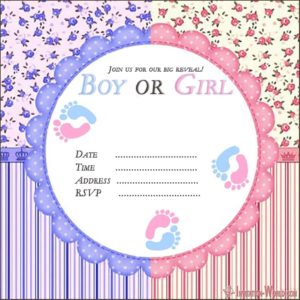
free gender reveal invitation template
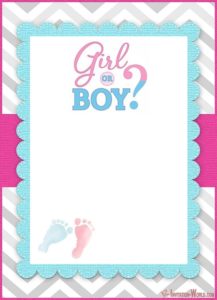
Free Printable Gender Reveal Invitation
Gender Reveal Baby Shower Invitation
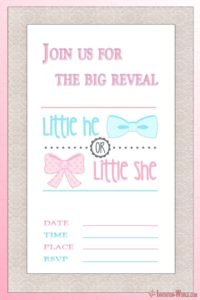
Gender Reveal Invitation Printable
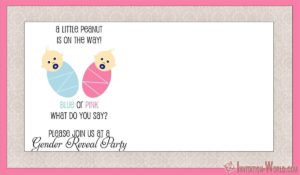
Gender Reveal Invitation Template

Gender Reveal Party Invitation Template
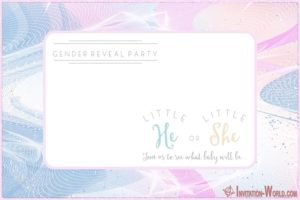
Gender Reveal Party Invitation

Blank Gender Reveal Invitation for Boy or Girl

Blank Gender Reveal Invitation Template
How to Make a Gender Reveal Invitation in Just a Few Minutes
The simplest way to create your invitation is to download a gender reveal template, open it in an easy design tool such as Canva, add your party details, and export the finished card. You don't need professional software or graphic design experience.
If you can add text to a photo, you can make one of these invitations.
1. Choose and Download Your Favorite Template
Scroll through the gender reveal invitation designs and choose the one that feels closest to your party style. Save the image or template to your computer, tablet, or phone.
Don't worry if the colors or fonts are not exactly what you imagined. Those details can easily be changed later.
2. Open the Template in Canva or Another Editor
Canva is one of the easiest options because it works directly in a web browser and has mobile apps too. Upload your downloaded invitation as an image, place it on your canvas, and add text boxes over the areas where you want your party information.
You can also use Adobe Express, Photopea, PowerPoint, Google Slides, Photoshop, GIMP, or almost any image-editing program you already feel comfortable using.
There is no need to make the process complicated. The template already gives you the design — your job is mostly to add the details.
3. Add the Important Party Information
Your guests should be able to understand the invitation in a few seconds. Keep the wording fun, but make the important information easy to spot.
- Parents' names
- Party date
- Start time
- Location or address
- RSVP information
- Dress code or Team Pink / Team Blue request, if you have one
You can add a short headline such as Boy or Girl?, He or She?, Pink or Blue?, or What Will Baby Be? Just make sure the actual reveal remains a surprise.
4. Personalize the Colors and Style
The traditional combination is pink and blue, but there is absolutely no rule saying your invitation must stop there. Gold, cream, sage green, lavender, beige, dusty rose, navy, or soft watercolor shades can make a gender reveal invitation feel much more modern.
You can also coordinate the invitation with your party theme.
- Pink and blue balloons
- Clouds and stars
- Teddy bears
- Baby footprints
- Bows and bow ties
- Sports themes
- Prince or princess styling
- Rustic or boho themes
- Floral gender reveals
- Confetti and balloon themes
A few small changes can make a free template feel completely personal.
5. Save Your Finished Gender Reveal Invitation
Once everything looks right, save the invitation as a high-quality PNG, JPG, or PDF. PNG or JPG is usually easiest for digital sharing, while a high-quality PDF can be convenient for printing.
Before exporting, quickly check the spelling of names, date, time, address, and RSVP details. It is much easier to fix a typo now than after sending the invitation to 40 relatives.
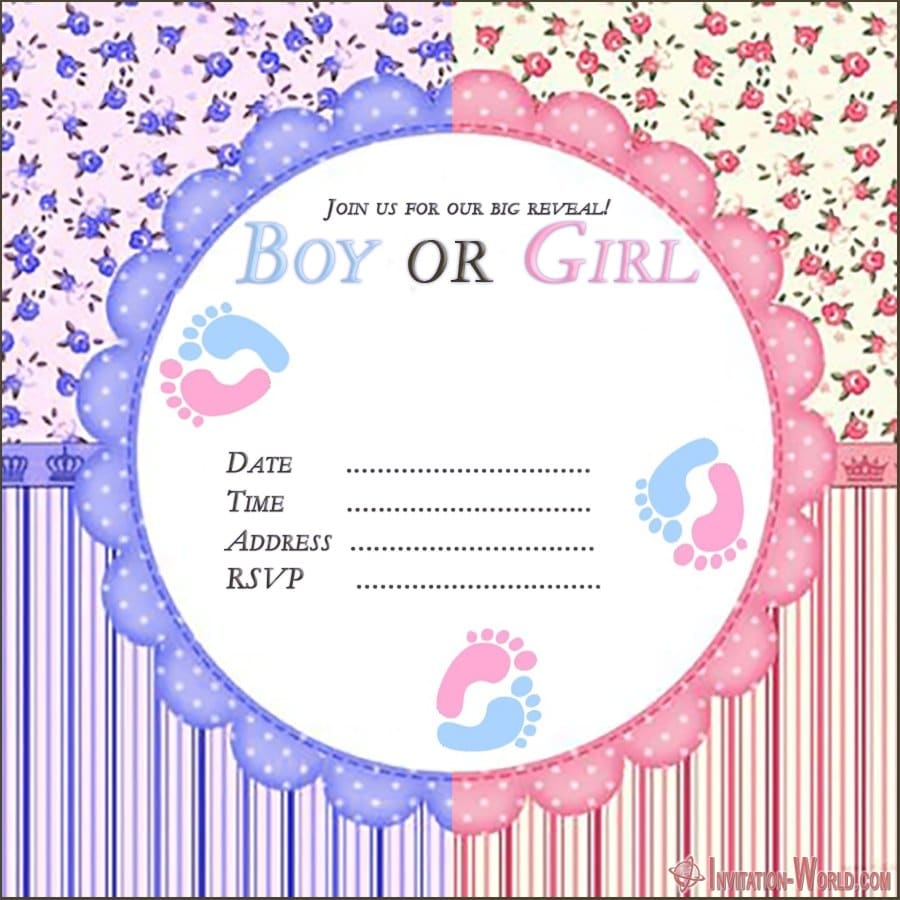
Print It or Send It Digitally — Both Work Beautifully
Gender reveal invitations can be printed as traditional cards or shared instantly as digital invitations. The best option depends on your guest list, budget, and how formal you want the celebration to feel.
Send a Digital Gender Reveal Invitation
Digital invitations are perfect when you want the entire process to stay quick and simple. Save the finished invitation to your phone and send exactly the same design to every guest.
You can share it through:
- Viber
- Messenger
- Instagram or Facebook messages
- iMessage or regular text message
- Private family or party group chats
This approach also makes last-minute updates easy. If the party time changes, you can message everyone without worrying about invitations already sitting in the mail.
Print Your Invitations
For a more traditional feel, print the finished design on thicker white cardstock or photo paper. You can print at home or take the file to a local print shop for a cleaner professional finish.
Printed cards are especially nice for grandparents, close family members, or anyone who enjoys keeping invitations as little souvenirs from important family moments.
You can even do both.
Print a handful of special invitations for close family and send the digital version to everyone else. Same design, almost no extra work.

Why a Gender Reveal Invitation Makes the Party More Exciting
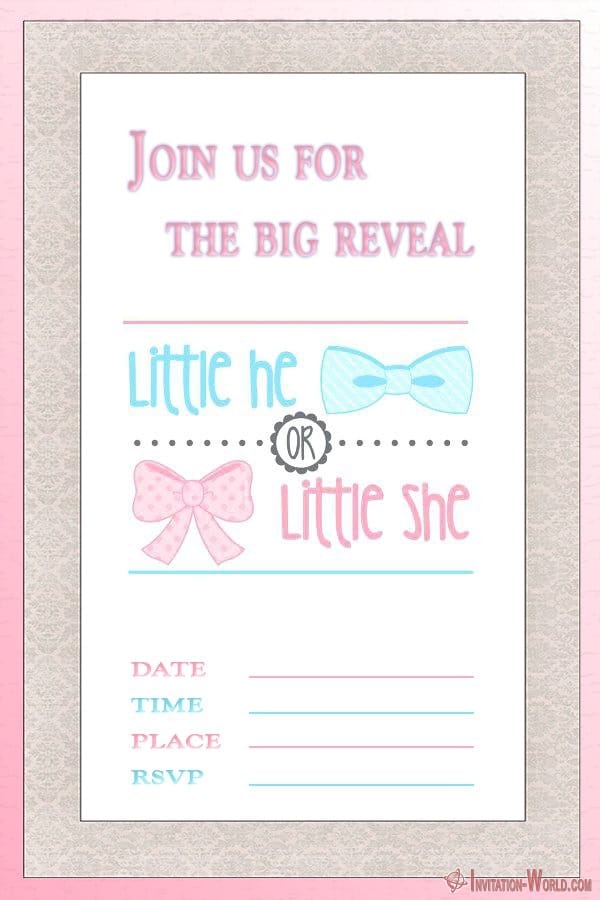
A good gender reveal invitation starts building suspense before the party even begins. The moment guests see the pink-and-blue design or a big “Boy or Girl?” headline, they immediately start guessing.
That guessing game can become part of the entire celebration.
Ask guests to arrive wearing pink if they predict a girl and blue if they predict a boy. Set up two voting jars at the entrance, or give everyone a Team Pink and Team Blue sticker when they arrive.
Suddenly the invitation isn't just telling people where to go. It is giving them a role in the party.
What Kind of Party Goes With These Invitations?
These gender reveal invitation templates work best for casual family celebrations, backyard parties, baby showers, brunches, BBQs, and small gatherings centered around the big reveal. You can keep the event beautifully simple or build an entire themed party around the invitation.
A relaxed gender reveal might include snacks, drinks, a few pink-and-blue decorations, a guessing game, and one big reveal moment.
A larger party can turn the theme into the entire event.
Easy Gender Reveal Party Ideas
- Balloon box: open a large box filled with pink or blue balloons.
- Confetti poppers: give guests a countdown before the color explodes.
- Gender reveal cake: keep the outside neutral and hide pink or blue cake inside.
- Cupcakes: place the surprise color inside just one or every cupcake.
- Piñata: fill it with pink or blue candy and confetti.
- Smoke reveal: use colored smoke outdoors where it can create dramatic photos.
- Balloon pop: fill one large dark balloon with colored confetti.
- Gift-box reveal: open a beautifully wrapped box containing baby clothing or decorations in the reveal color.
The reveal itself can last only a few seconds. The fun comes from everyone waiting, guessing, counting down, and discovering the answer together.
Match Your Decorations to the Invitation
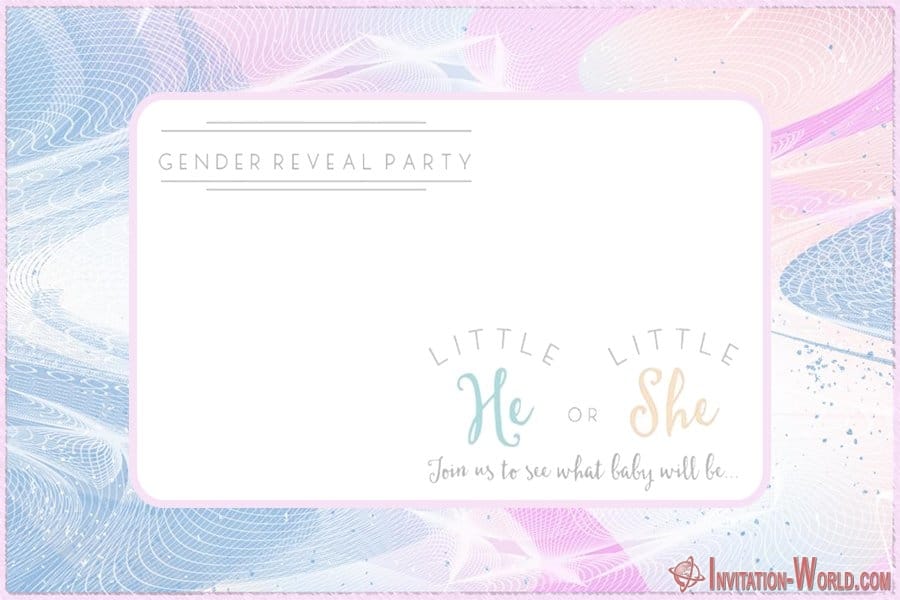
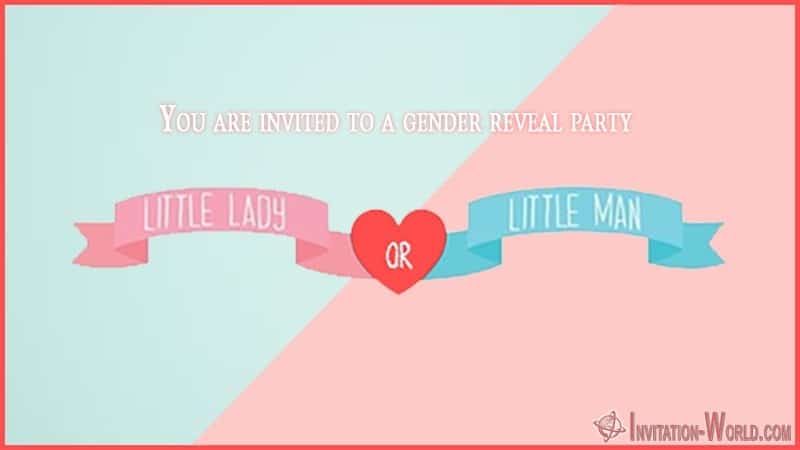
Using your invitation as the starting point for the party makes the entire celebration feel more coordinated. Simply repeat its main colors, shapes, or decorative details throughout the event.
If your invitation uses pink and blue balloons, continue those colors in the balloon arch. If it has stars, clouds, bows, or baby-themed graphics, repeat them on the dessert table, signs, favors, and photo area.
You don't need dozens of decorations.
A matching cake topper, balloons, table decorations, and one photo backdrop can be enough to make the whole party look planned rather than random.
Fun Extras to Add to Your Gender Reveal Party
- Team Pink and Team Blue voting cards
- Prediction boards
- A name-guessing station
- Baby advice cards for guests
- A photo booth with pink and blue props
- Matching cupcake toppers
- Personalized thank-you tags
- A guest book for messages to the baby
- Small pink-and-blue party favors
You can create several of these extras using the same fonts and colors as your invitation. That gives the celebration a matching look without having to buy an expensive party package.
Can You Use These Templates for Other Baby Celebrations?
Yes, gender reveal invitation templates can easily be adapted for baby showers, pregnancy announcements, baby sprinkles, coed baby parties, or combined baby shower and gender reveal events. Just change the headline and party wording while keeping the design you like.
For a combined baby shower and reveal, make both ideas clear in the invitation. Guests should know whether they are simply coming for the surprise or whether the event also includes traditional baby shower activities and gifts.
You can also reuse the visual style later.
A matching birth announcement, thank-you card, baby shower game, or social-media graphic can continue the same theme after the reveal.
Gender Reveal Invitation Wording Ideas
Gender reveal invitation wording should be short, playful, and slightly mysterious. You want guests to know what they're invited to without giving away the answer before the party.
Try simple phrases such as:
- Boy or Girl? Come Find Out With Us!
- Pink or Blue? We Can't Wait to Celebrate With You!
- He or She? What Will Baby Be?
- Team Pink or Team Blue — Cast Your Vote!
- A Little Surprise Is on the Way!
- Our Sweetest Secret Is Almost Ready to Be Revealed!
- Twinkle, Twinkle, Little Star… How We Wonder What You Are!
After the headline, add the practical details in a clean and readable layout. Cute wording is great, but guests should never have to hunt for the date or address.

Gender Reveal Invitation Templates FAQ
Can I edit these gender reveal invitation templates in Canva?
Yes. Download the template image, upload it into Canva, and add your own text, fonts, photos, or decorative elements on top of the design.
Can I send a gender reveal invitation through WhatsApp?
Absolutely. Save your finished invitation as a JPG or PNG and send it directly through WhatsApp, Viber, Messenger, email, or another messaging service.
Can I print the templates at home?
Yes. For the nicest result, use good-quality cardstock or thicker photo paper and select a high-quality print setting.
What information belongs on a gender reveal invitation?
Include the parents' names, event date, start time, location, and RSVP details. You can also mention a Team Pink or Team Blue dress code, gift information, or any special instructions for guests.
When should gender reveal invitations be sent?
For most casual celebrations, sending invitations several weeks before the party gives guests enough time to plan. Digital invitations are especially useful when the event is organized on a shorter timeline.
Ready to Reveal the Big Surprise? 💗💙
A gender reveal party doesn't need to be complicated to become one of those family moments everyone remembers. Pick your favorite free gender reveal invitation template, personalize it with the details that matter, and let the countdown begin.
Print your invitation for a traditional keepsake or send it straight from your phone for the easiest party planning imaginable. Either way, one little invitation can start a very big question: Team Pink or Team Blue?
You may also like!
7 Free Baby Shark Invitation Templates
If your little one turns every car ride into a Baby Shark sing-along, you already have a birthday theme picked out. Now you just need an invitation that brings a little of that underwater fun to the guest list. Our free Baby Shark invitation templates give you a...

Holiday Party Invitation Templates 🎄 Free and Digital
Create stunning holiday party invitations with these easy-to-customize templates.
The holidays are here, which means it’s time to celebrate!
Free Couples Shower Invitation Cards 💕 Easy Templates
Find the perfect couples shower invitations and twins baby shower invitation templates that are unique to fit your style. Create your own shower invitation in minutes.
Baby Shower Invitations for Girls – 12 Blank Templates
Baby shower party for girls is often filled with pink decor and of course tons of gifts for the parents-to-be.
Once you’ve chosen your perfect invitation design, have fun customizing it with the event details and a special message to your recipients.