
If your little one turns every car ride into a Baby Shark sing-along, you already have a birthday theme picked out. Now you just need an invitation that brings a little of that underwater fun to the guest list.
Our free Baby Shark invitation templates give you a colorful starting point for your child's big day. Choose a design from the collection below, save the image, and add your party details in Canva or another image editor. Then print your invitations or send them straight from your phone.
Whether you're planning a first birthday, a toddler party, or a small celebration with family, a few smiling sharks are a lovely way to say, “Come celebrate with us!”
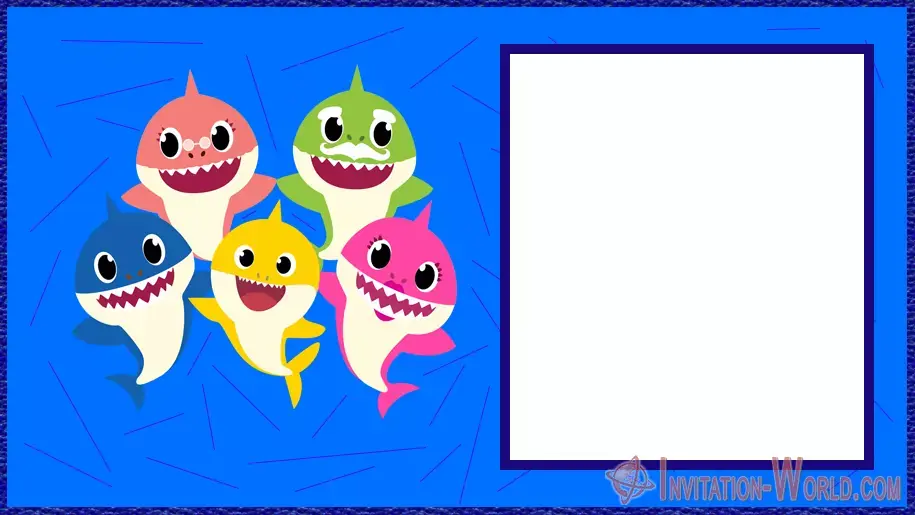
Choose Your Favorite Baby Shark Birthday Invitation
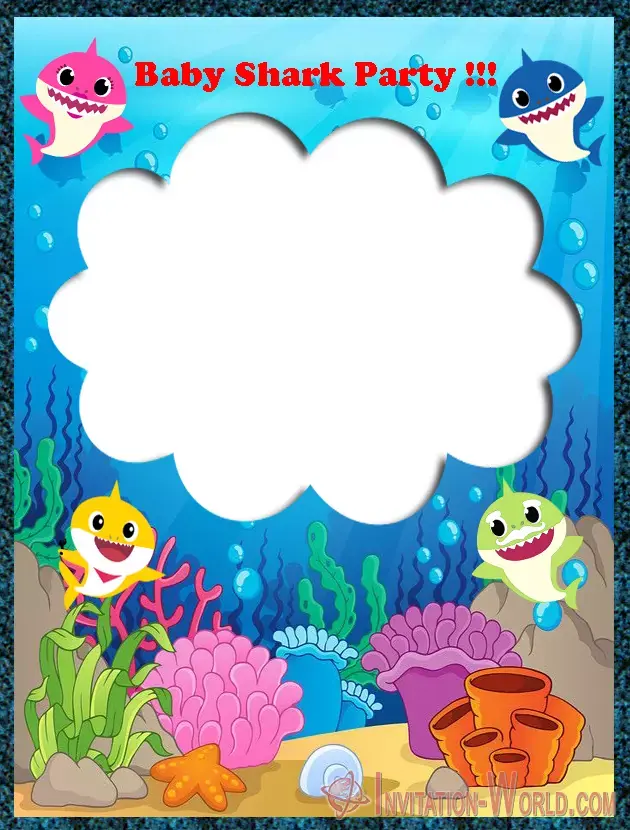
Love a bright ocean background? Prefer a design with a big blank area for your wording? Start with the layout that gives your party details enough room to breathe.
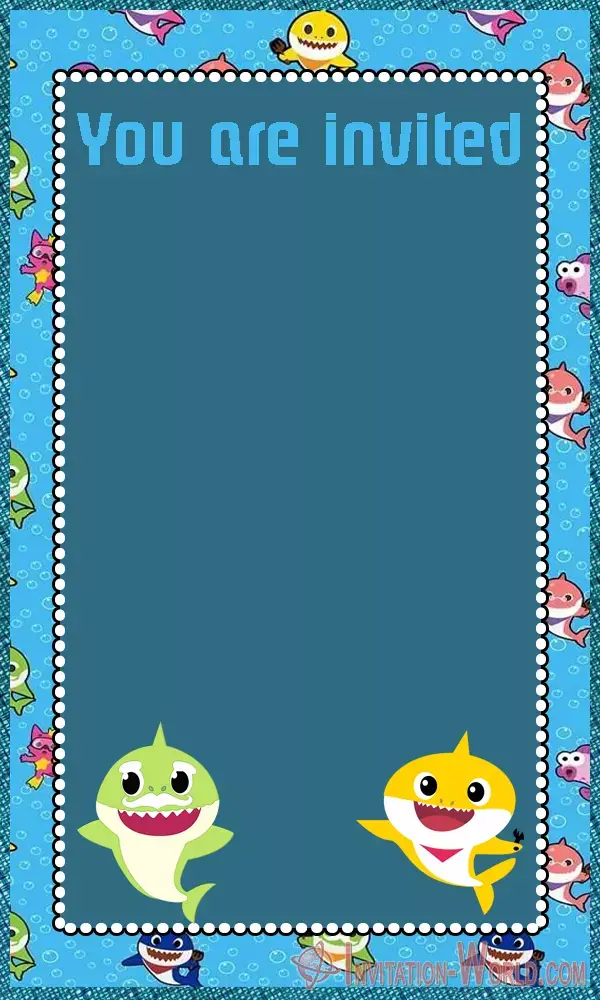
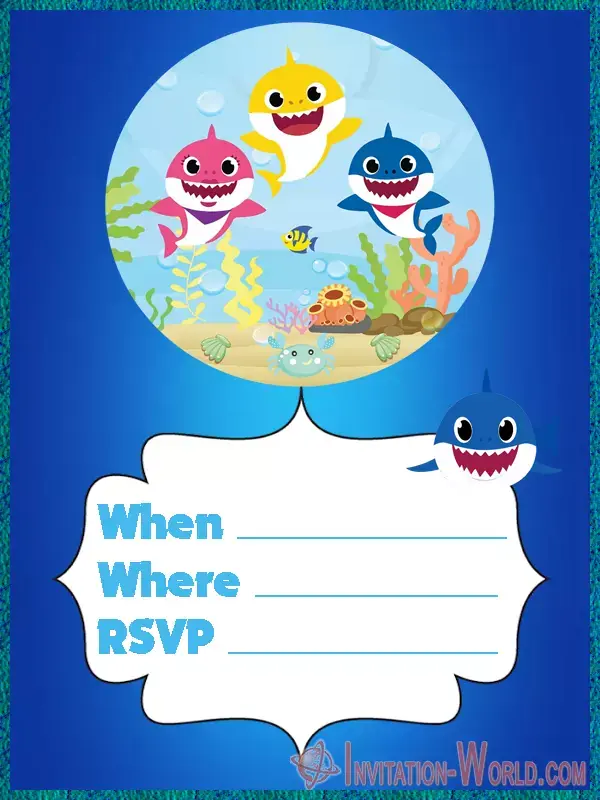
The collection includes playful underwater scenes, colorful shark characters, and designs with space for your own message. You'll find both portrait and landscape layouts, so you can choose the style that works best for your invitation.
Pick your favorite template below, save it, and make it personal.
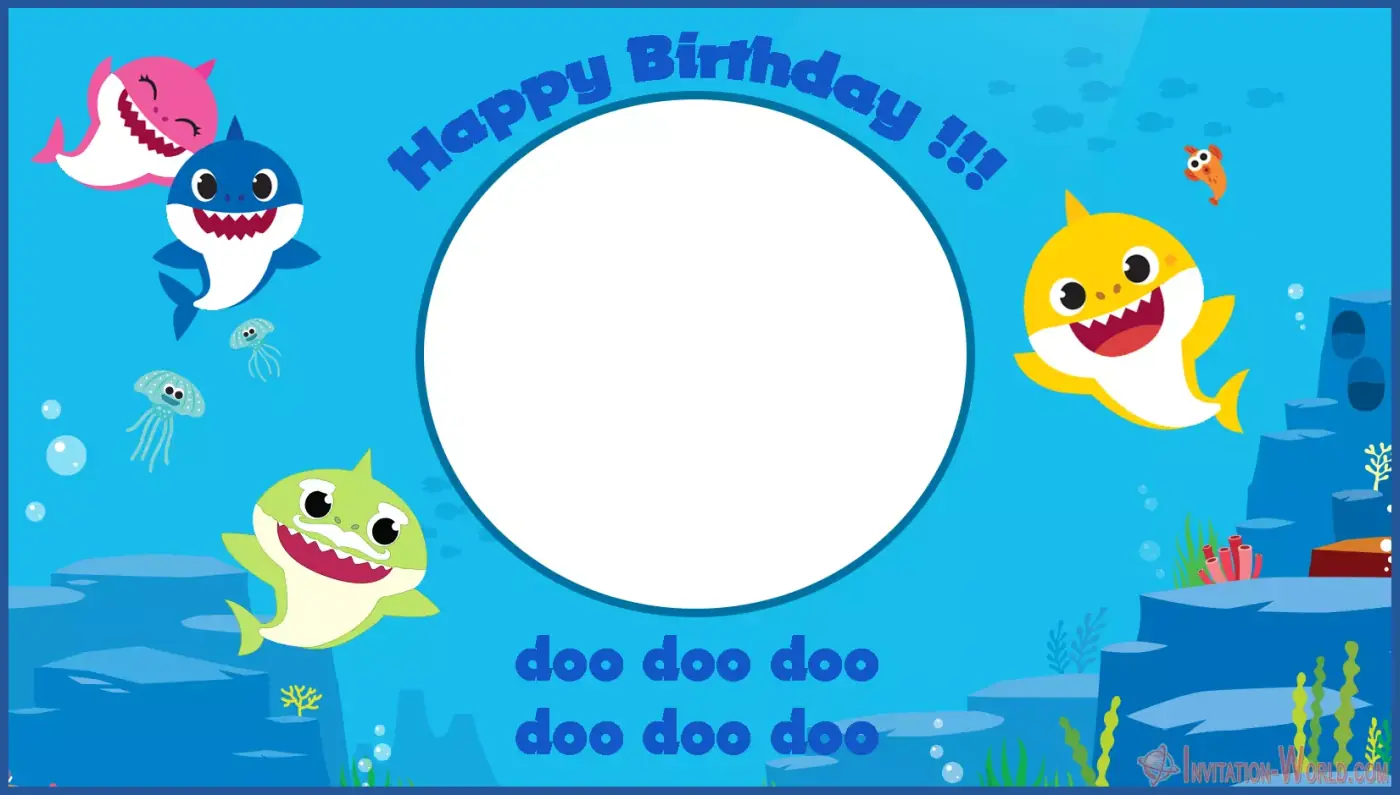
How to Personalize Your Baby Shark Invitation
You don't need to design a card from scratch. The background is already there; you're adding the details that turn it into your child's invitation.
- Save your chosen template. Open the invitation image and download or save it to your device.
- Upload it to an image editor. Use it as the background for your invitation.
- Add your wording. Include your child's name, birthday age, party date, start time, location, and RSVP contact.
- Check the layout. Keep the text inside the blank area and use a color that stands out against the background.
- Save the finished invitation. Export an image for digital sharing or a suitable file for printing.
These are image templates, so personalization means placing your own text over the design. Any wording already built into the image stays part of the background.
A quick tip: Make your child's name the star, but leave enough room for the address. A cute invitation still needs to get everyone to the right place!
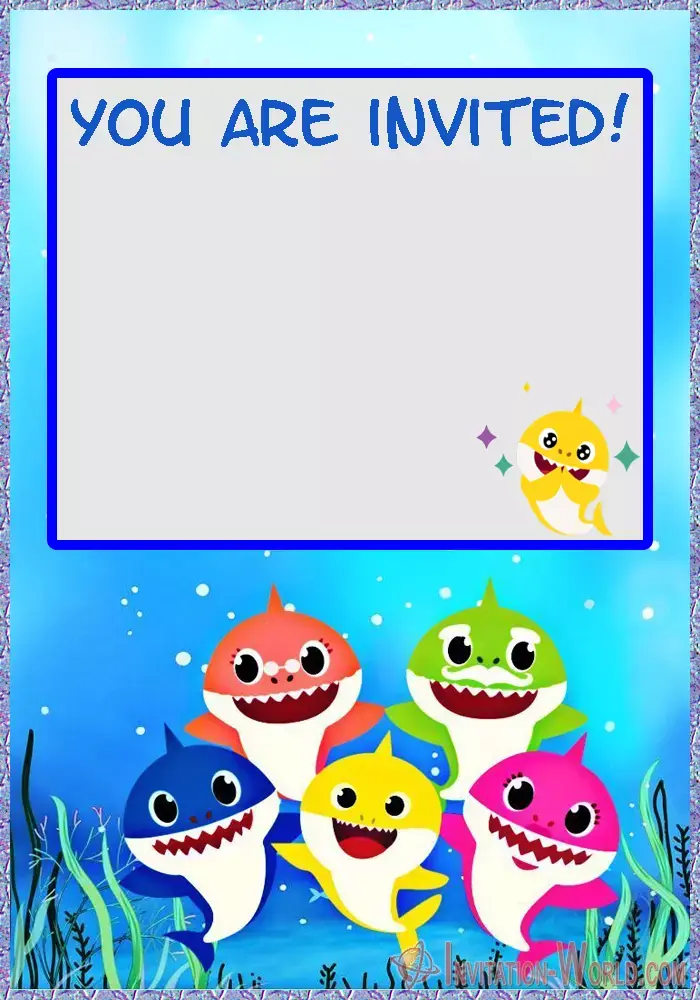
Baby Shark Invitation Wording Ideas
Not sure what to write? A short, playful opening is usually all you need. Try one of these messages and add your celebration details underneath.
For a First Birthday
One Little Shark, One Big Celebration!
Our little shark, [Name], is turning ONE!
Join us for birthday cake, happy smiles, and underwater fun.
[Date] at [Time]
[Location and Address]
RSVP to [Name and Contact] by [Date].
For a Second Birthday
Two Much Fun to Miss!
[Name] is turning TWO, and you're invited to celebrate!
Swim on over for games, giggles, and a birthday treat.
[Date] at [Time]
[Location and Address]
RSVP: [Contact Details]
For Any Birthday Age
Calling All Little Sharks!
Come make a splash at [Name]'s [Age] birthday party.
Bring your biggest smile—we'll bring the cake!
[Date] • [Time]
[Location and Address]
RSVP: [Contact Details]
If the party includes water play, add a clear note asking guests to bring swimwear and a towel. Otherwise, keep the wording focused on the celebration you've planned.
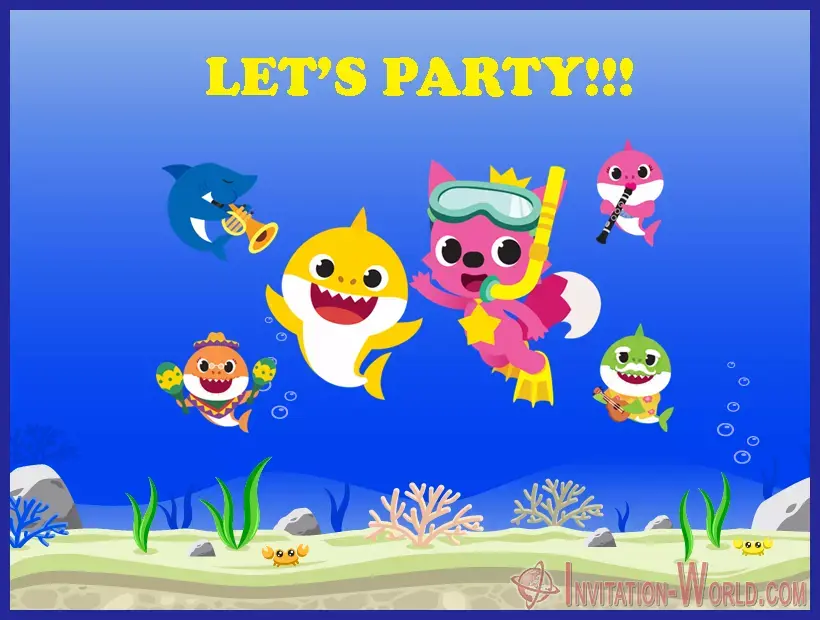
Print Your Invitations or Send Them Digitally
For digital Baby Shark invitations, save your finished design as a JPG or PNG and share it through WhatsApp, Viber, Messenger, or email. Open it on your phone first to check that the smaller details are easy to read.
Prefer paper invitations? Print one test copy before making the full batch. Check the spelling, text size, colors, and edges. Choose a print size that suits the original image dimensions, and avoid stretching the design or enlarging it until it looks blurry.
Turn the Invitation Into a Party Theme
Let your favorite template help with the decorations, too. Pick two or three colors from the design and repeat them in your balloons, tableware, and cake decorations.
A blue backdrop, paper seaweed, and a few shark decorations can create a cheerful ocean corner for photos. Add a short dance break, a simple treasure hunt, or a craft table, depending on the children's ages.
You don't need to decorate every inch of the room. A few familiar details can make the birthday child feel like their favorite underwater world has come to visit.
Baby Shark Invitation FAQs
Are these Baby Shark invitation templates free?
Yes. You can save a free template from this collection and use it as the starting point for your personalized party invitation.
Can I personalize a template in Canva?
You can upload the saved image to Canva and add text boxes over the blank space. The image works as a background; it isn't a layered template with individually editable characters or existing text.
What details should I include?
Add your child's name and age, the date, time, full party address, and RSVP information. Include any practical notes guests need, such as what to bring.
Can I use the same design for printed and digital invitations?
Yes. Once you've added your wording, you can save a version for messaging and prepare another for printing. Check readability on screen and on a test print.
Ready to Invite Your Little Shark's Favorite People?
Choose your favorite Baby Shark birthday invitation, add the party details, and get the celebration started. The cake can wait a little longer—your guest list is ready for some underwater fun!
You may also like!

Free Printable Sofia the First Invitations 💜 Easy DIY Cards
Create a charming free Sofia the First invitation for your little princess and her friends.
All too colorful and all too joyous, you can never go wrong with this Disney theme.
Free Printable Grinch Invitation Templates & Cards 🎄
Planning a Grinch-themed party?
These Dr. Seuss’ Grinch inspired online invitation templates are here to save the day.
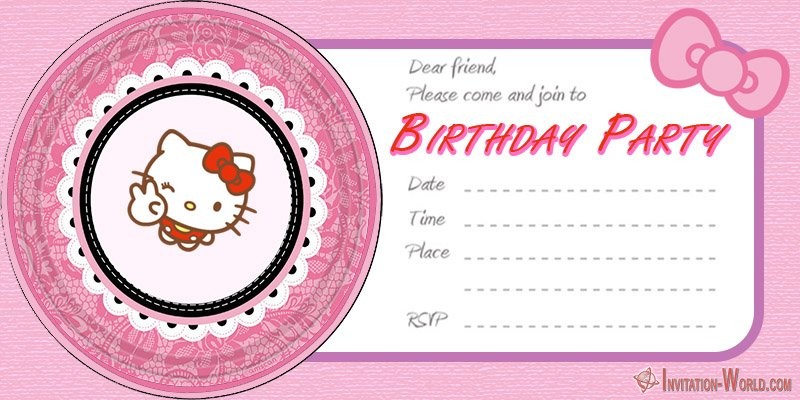
Hello Kitty Invitations – Free Printable Templates
Celebrate your birthday with adorable Hello Kitty invitations. With these free templates, you can easily make beautiful and unique invitations.